
Blockmerge
Stamp blocks. Merge them. Make them solid.
Blockmerge is a web app for making icons. Stamp rectangles onto a canvas and they merge into one shape with rounded corners. Export it as SVG, PNG or a React component, or open it in 3D and take it out as a render, a turntable video or a model.
01 / What it is
Icons from blocks.
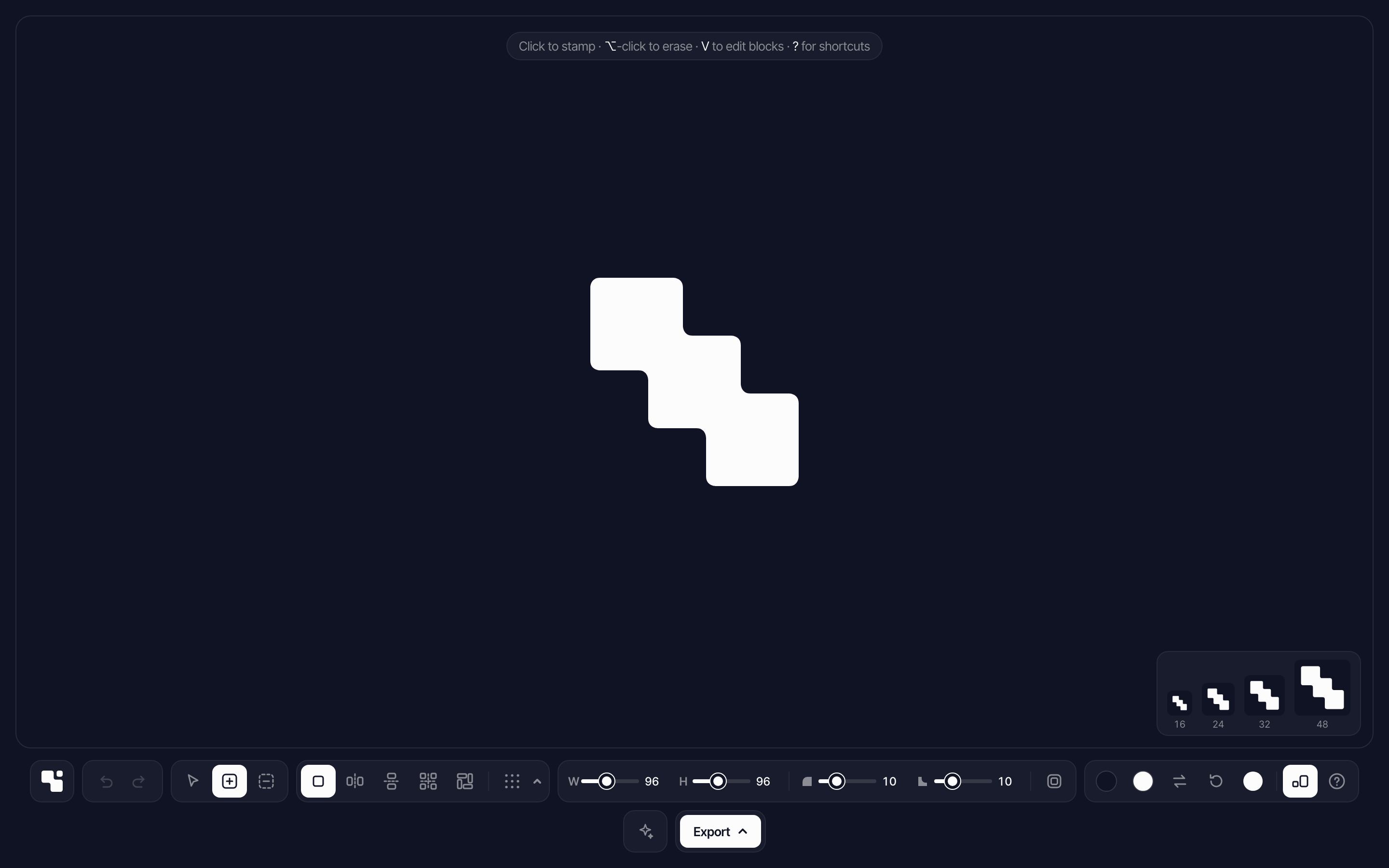
Click to stamp a block, and it joins the shape around it. Where blocks meet, the inside corners round off too, so the result reads as one form instead of a stack of rectangles. Erasing cuts holes the same way.
A corner panel shows the icon at 16, 24, 32 and 48 px while you draw, so you can see how it holds up at the sizes icons are actually used.
02 / 3D view
From icon to object.
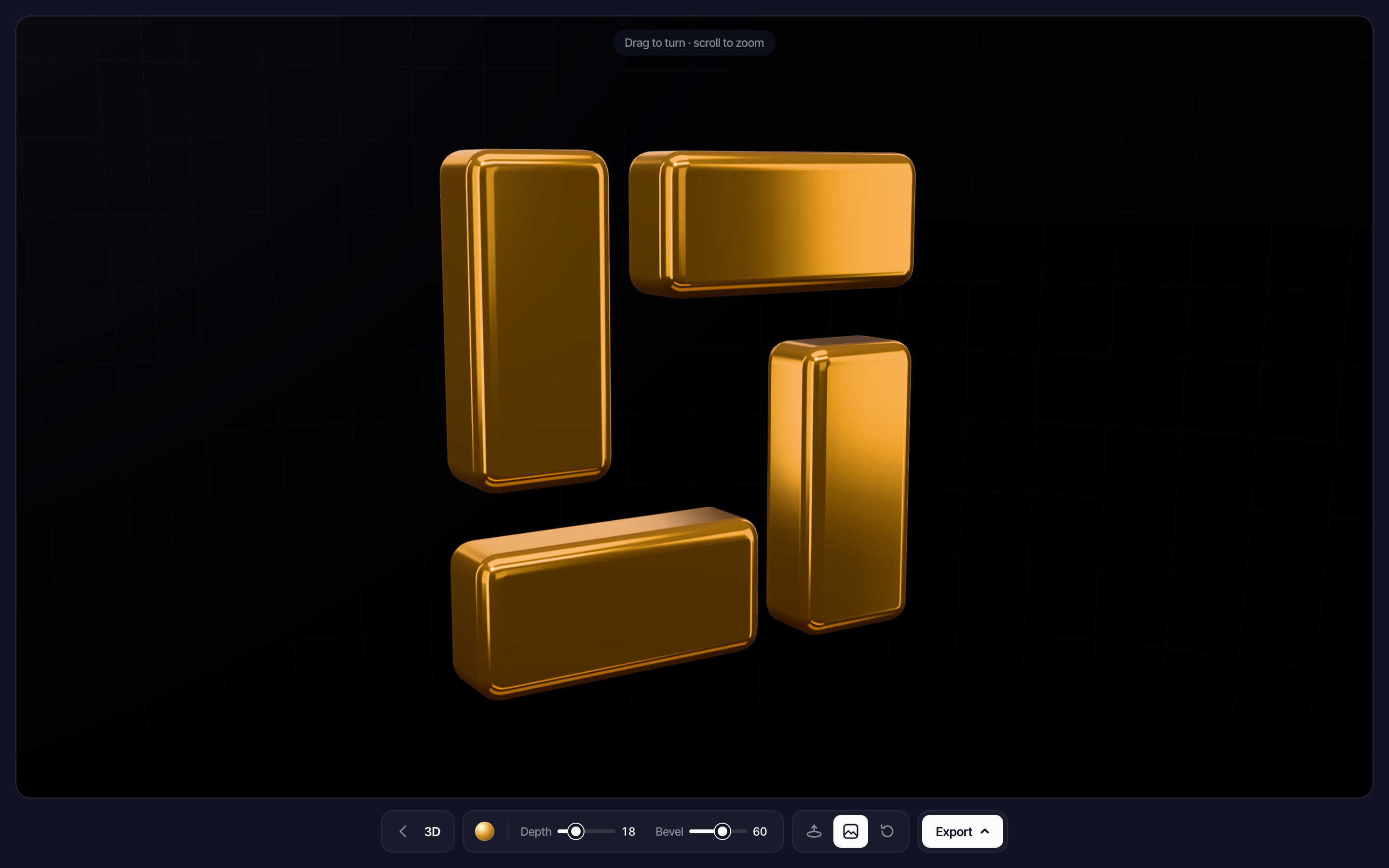
Press D and the drawing becomes a solid you can turn and zoom. Holes, rounded corners and turned blocks all carry over, and the edges are bevelled so it reads as one solid piece.
Two sliders set the look: Depth for how thick it is, Bevel for how round the edges are. The bevel is capped by the thinnest part of the shape, so narrow strokes never pinch. A turntable spins it, the same thirteen materials light it, and the background can go transparent.
The export menu takes it anywhere: a 2048 px PNG, a one-turn turntable video, a GLB model for Blender, Figma plugins or the web, or an STL ready for a 3D printer.
03 / Features
A small tool with deep controls.
- 01
Symmetry that stays linked
Draw in mirror or rotate modes. Mirrored and rotated copies stay linked, so editing one edits its partners.
- 02
Shape every block
Round outer and inner corners separately, or one corner at a time. Turn blocks to any angle, flip and align them, then flatten a selection into one piece you can keep editing.
- 03
Draw with Claude
Describe a shape and Claude draws up to three versions, each made of editable blocks. Change with Claude edits the current drawing.
- 04
Materials
Thirteen lit materials, from liquid metal to frosted glass, rendered with three.js in the flat view and in 3D. They only load when you pick one.
- 05
Export anywhere
SVG, PNG at several sizes, Copy SVG for Figma, or a React component that takes its color from the text around it. From 3D: a render, a video, GLB or STL.
- 06
Works on touch
On a phone or tablet a touch aims first and places on lift, and a pinch changes the block size. In 3D, a drag turns the shape and a pinch zooms.
04 / Start page
Start from a form or a sentence.
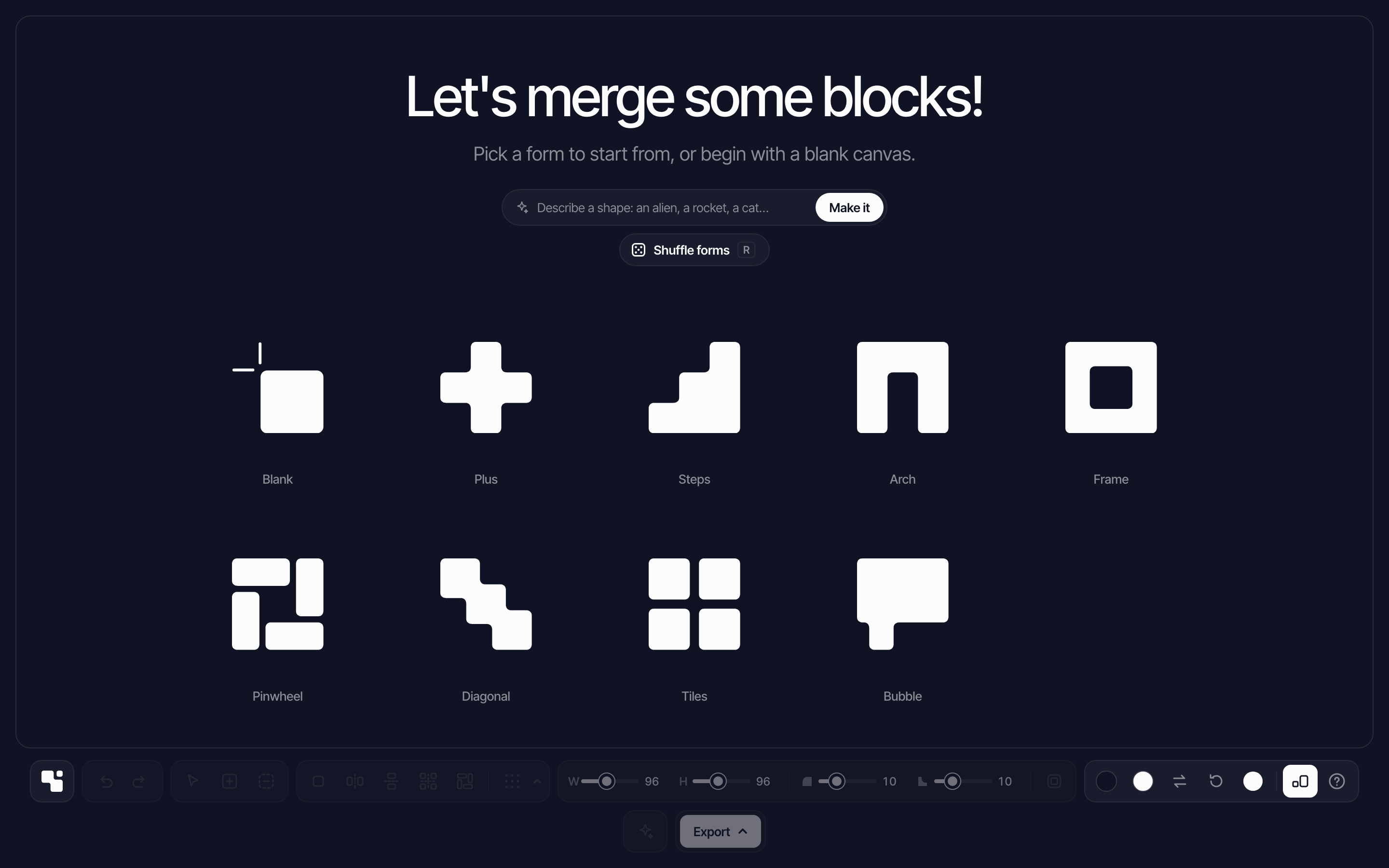
The start page offers starter forms, a shuffle for new ones, and a box where you can describe a shape for Claude to draw.
Every drawing saves itself in the browser. A share link carries the drawing inside the URL, so nothing is uploaded.
05 / How it's built
A static page, no build step.
Blockmerge is a single static page. A small open-source library merges the rectangles, and every corner is rounded after the merge.
The materials and the 3D view are separate modules built on three.js, and they load only when someone uses them, so drawing an icon downloads nothing extra. To build the solid, the 3D view traces the outline as a series of rings, steps each ring inward along a quarter circle to round the edge, and fills the innermost ring for the front and back faces.
One serverless function calls Claude with a JSON schema, so every reply is a 16 by 16 grid. The server checks each grid before it reaches the canvas.
06 / What's next
More ways to make it real.
Next for 3D: inflated, balloon-like shapes, a ground reflection with a light or dark studio, a size choice for STL prints, and USDZ so a shape can sit on a desk in AR on an iPhone. For materials, neon and marble are on the list.