
Oraria
Set something in orbit.
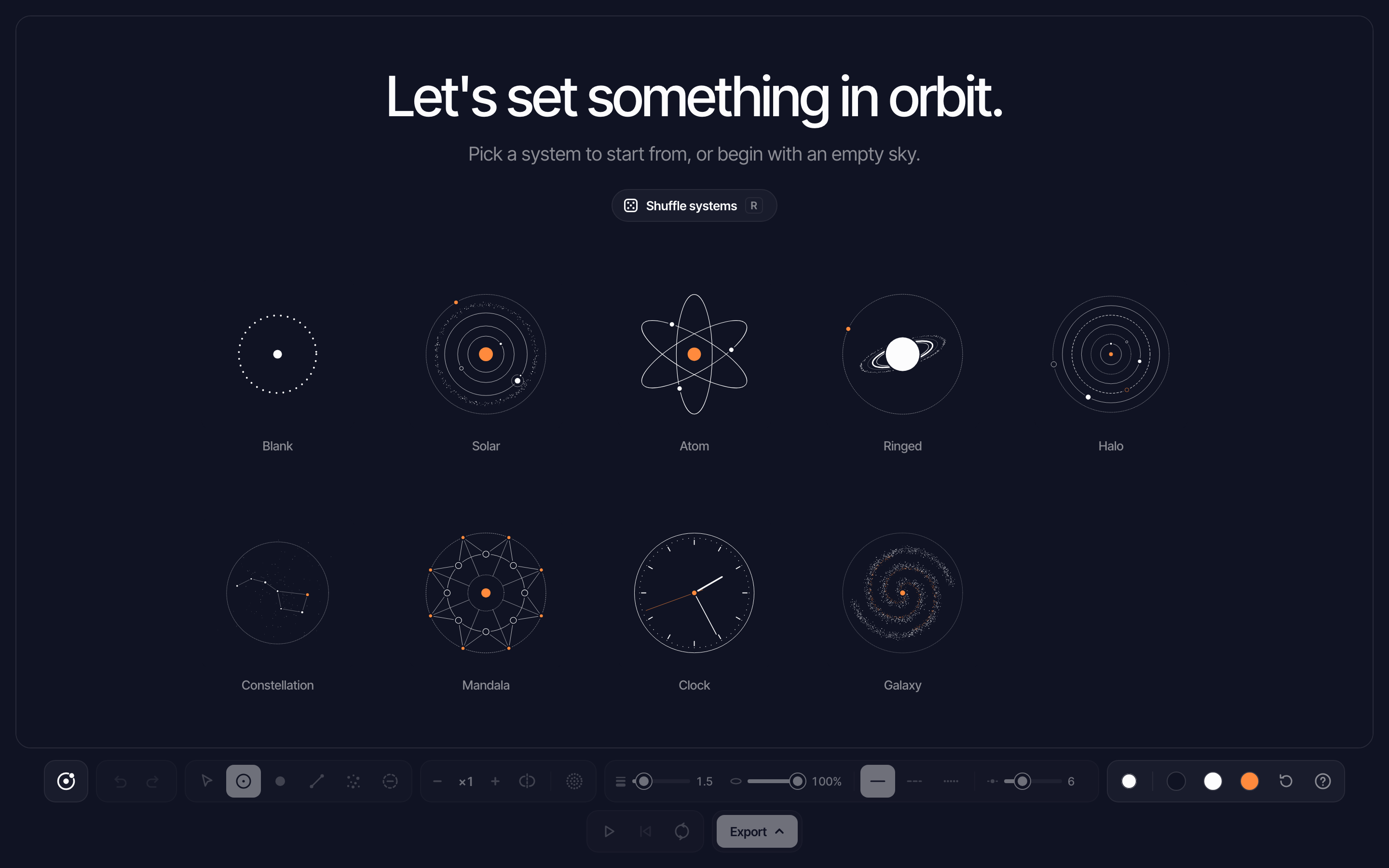
Oraria is a sister app to Blockmerge for orbital compositions. Place rings, bodies, lines and particles around a center, press play to set them moving, and export a still or a loop.
01 / What it is
Orbits instead of blocks.
Oraria shares Blockmerge’s interface: the dock, palette, start page, library, color picker and export menu. What you draw is different. Rings, bodies, lines and particles sit around a center, and up to 24 copies of each turn around it.
Its take on Blockmerge’s merge is the gap. Rings, lines and particles stop just short of every body, like a classic orbit diagram.
02 / Features
Drawn around a center.
- 01
Rings and bodies
Bodies land on rings as you place them. Click a body to give it a moon ring, and its moons follow it.
- 02
Symmetry
Set anywhere from 1 to 24 copies around the center, or mirror them. Each element keeps the symmetry it was made with.
- 03
Particles
Spray dots along a path, or click a ring to fill it with a belt.
- 04
Ovals and arcs
Stretch any ring into an ellipse, or drag along a ring to draw just an arc of it. Bodies travel an oval at an even speed.
- 05
Snap and select
A polar grid snaps radii and 15° angles. In Select, drag a ring to resize and turn it, or a line end to move just that end; moons follow their planet.
- 06
Three colors
Background, ink and accent, with one key to switch what you paint with.
03 / Motion
Press play.
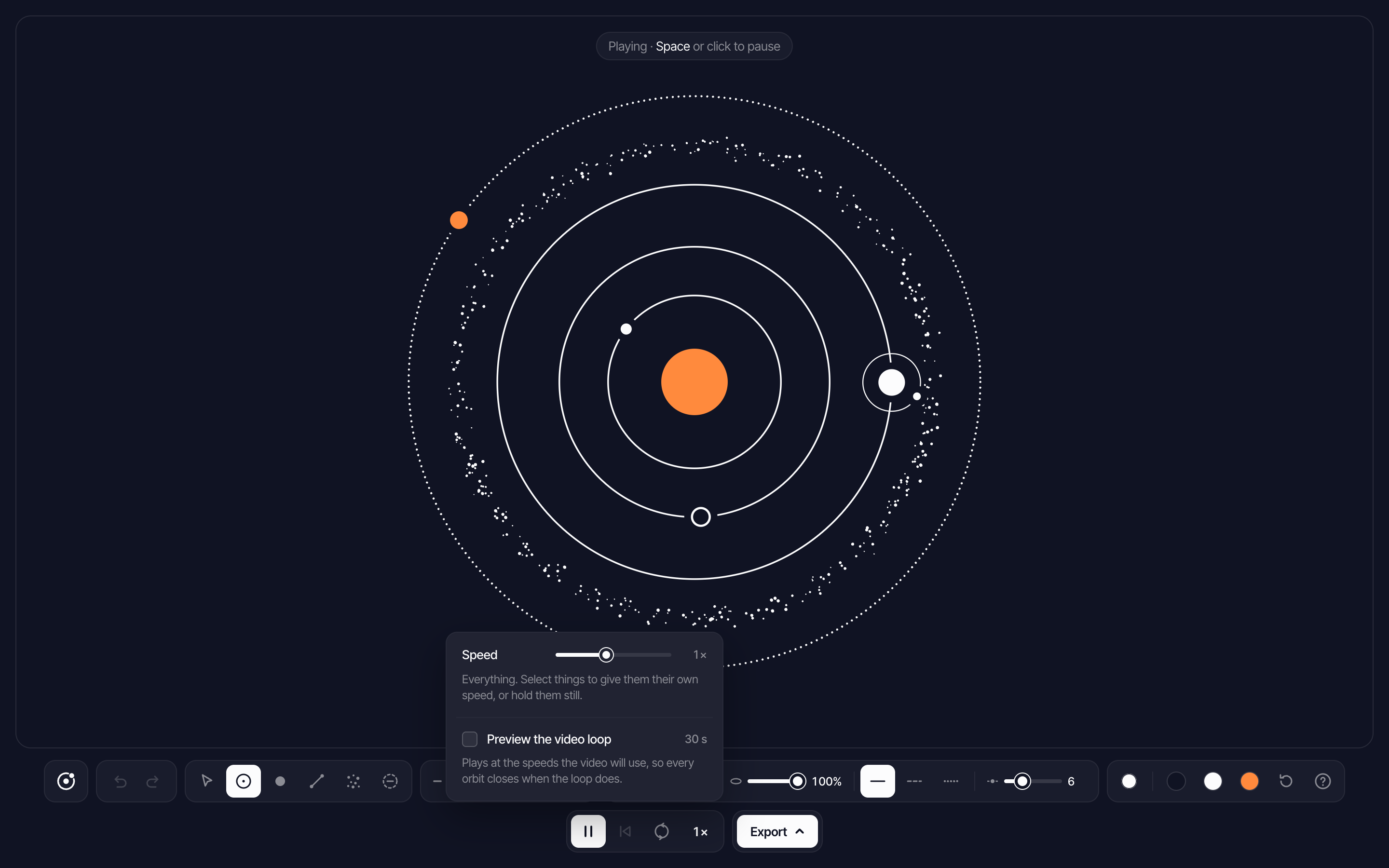
Rings are tracks. A body on a ring travels along it, smaller rings move faster, and stars joined by lines move as one figure, so a constellation keeps its shape. Pause on any frame, step it a frame at a time with the arrow keys, and export just that frame.
Direction and speed are yours to set. One button turns the whole composition clockwise or counterclockwise, and with something selected it reverses just that. The speed menu runs everything from a quarter to four times as fast, or gives a selection its own speed, or holds it still. A ring sets the pace for the bodies on it.
For loops, Oraria exports an animated SVG that works in a plain image tag, or an MP4 made right in the browser. Speeds snap to the loop length, so everything ends where it started and the loop is seamless. A loop preview plays at those snapped speeds first, so there are no surprises in the export.
04 / How it's built
One shared look, a new engine.
Like Blockmerge, Oraria is a static page with no build step, and it reuses Blockmerge’s interface styles and color picker. Everything is placed in design units around the center, so a composition looks the same at any window size.
Gaps are an SVG mask, so exports keep them. Video frames are drawn from the SVG and encoded in the browser.
05 / What's next
Describe a system.
Next, Claude comes to Oraria the way it came to Blockmerge: describe a system and get back an editable composition, then ask for changes.
Also on the list: a Keep this frame button that makes a paused pose the new start, more motion exports like GIF, PNG sequences and Lottie, tools to align and space bodies evenly along a ring, and depth for ringed planets, with the back of the ring passing behind the planet.